SourceForge.net Logo

CGRU

LinkedIn

Poly Loop&Ring&Split Tools.
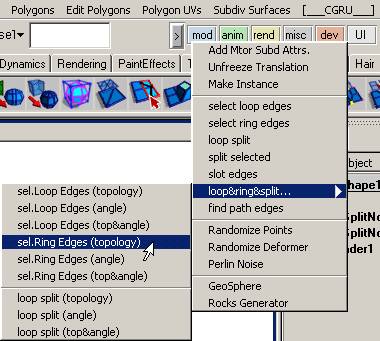
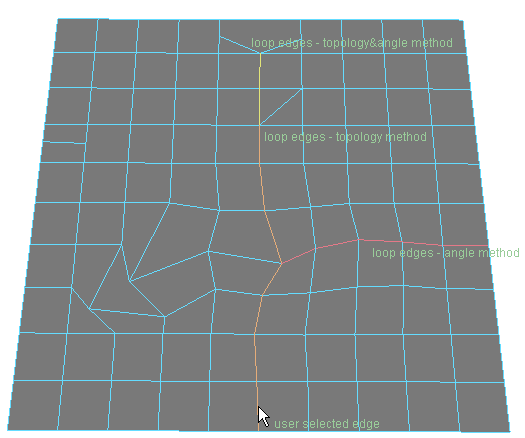
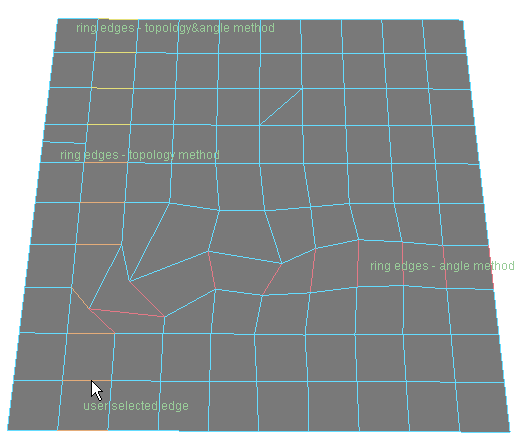
Присутствует три метода поиска loop & ring edges: по топологии, по углу, по топологии и углу.

topology method - идет по топологии 4*4, встречает другую топологию - дальше не идет.

angle method - ищет ребро по минимальному углу между предидущим и следующим ребром, если минимальный угол больше заданного (по-умолчанию 45deg), то дальше не идет.

topology&angle method - идет по топологии 4*4, встречает другую топологию - ищет минимальный угол, потом идет опять по топологии.

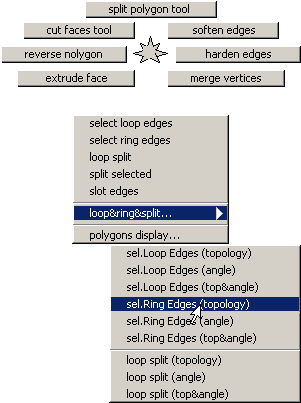
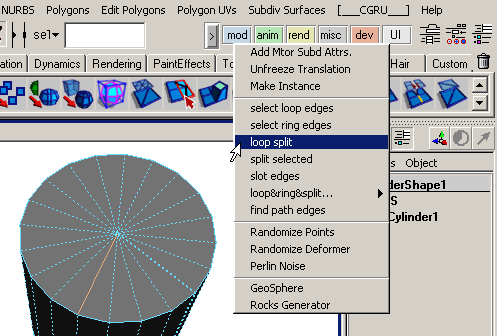
По-умолчанию polyTools marking menu стоит на "alt" + "p". Но вы можете помтавить свой. Команды для этого marking menu находятся "_CGRU_mod_" категории в Hotkey Editor (Window -> Settings/Preferences -> Hotkeys...).

Select Loop&Ring Edges:

Command:
help tm_polySelect;
// Result:
Synopsis: tm_polySelect [flags] [String...]
Flags:
-l -loop Int Float
-r -ring Int Float
Int - method: 1 - topology, 2 - angle, 3 - topology∠ Float - angle (in deg); [String...] - operated component (selection as default).
exapmle:
tm_polySelect -r 1 45 pCylinderShape1.e[98]; tm_polySelect -l 3 45;

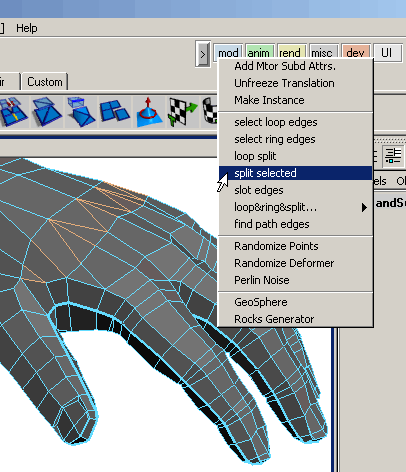
Split Selected Edges:

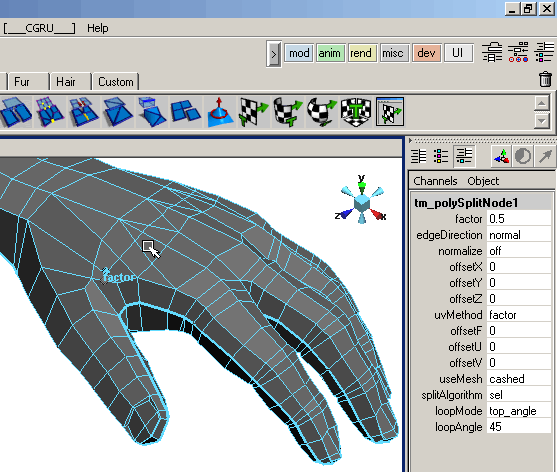
Split Loop Edges:

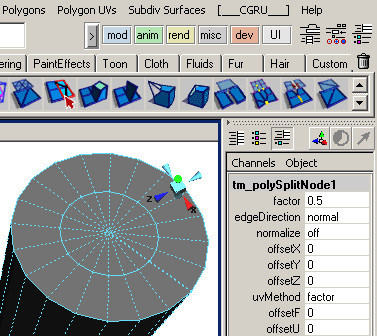
Node description:

factor - split edges factor.
edgeDirection - use to reverse split side.
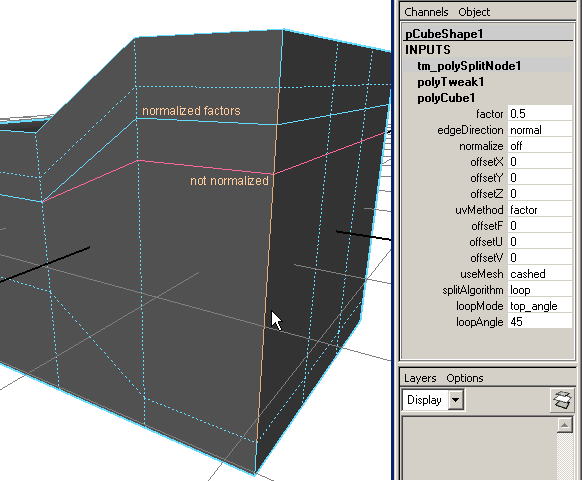
normalize - whether to compute the factor relative to the edge length (normalize in "off") or in units of local mesh space (normalize is "on").
offsetX, offsetY, offsetZ - offset new points in local mesh space.
uvMethod - whether to use factor to compute new UV coordinates ot new poins ("factor") or use concrete value ("concrete").
offsetF - offset edges factor to compute UVs (uvMethod - "factor") or concrete new UVs value (uvMethod - "concrete"). Use if you need to adjust UVs when you already set the edges factor.
offsetU, offsetV - offset values is UV space for new UVs.

useMesh - whether to recompute mesh from tm_polySplitNode.inMesh attribute or to use cashed mesh stored in tm_polySplitNode.outMesh.
"recompute" - node gets mesh from tm_polySplitNode.inMesh attribute. Do the split. Offset vertices and UVs.
"cashed" - node gets mesh from tm_polySplitNode.outMesh attribute. And offset vertices and UVs only. So it works much faster.

Next 3 attributes requires split recompute to change results.
splitAlgoritm - split loop or selected edges.
loopMode - split loop mode topology, angle or topology&angle.
loopAngle - split loop maximum anlge.

Command:
help tm_polySplit;
// Result:
Synopsis: tm_polySplit [flags] [String...]
Flags:
-l -loop Int Float
-s -selected
Int - method: 1 - topology, 2 - angle, 3 - topology∠ Float - angle (in deg); [String...] - operated component (selection as default).
exapmle:
tm_polySplit -r 1 45 pCylinderShape1.e[98]; tm_polySplit -l 3 45; tm_polySplit -s;

ATTENTION!
- Doesn't support mesh with many UV sets (yet). The node works with the first UV set only. Other sets will get new UVs with factor 0.5 and this value is not adjustable.

jump to CGRU documentation

SourceForge.net Project

CGRU

Libre Graphics World